Developer Console (Dashboard)
The Streamoji Developer Console is a dashboard that lets you manage and customize your avatar experience. It allows you to access your API keys, manage your application, and modify the appearance of your Avatar Creator.
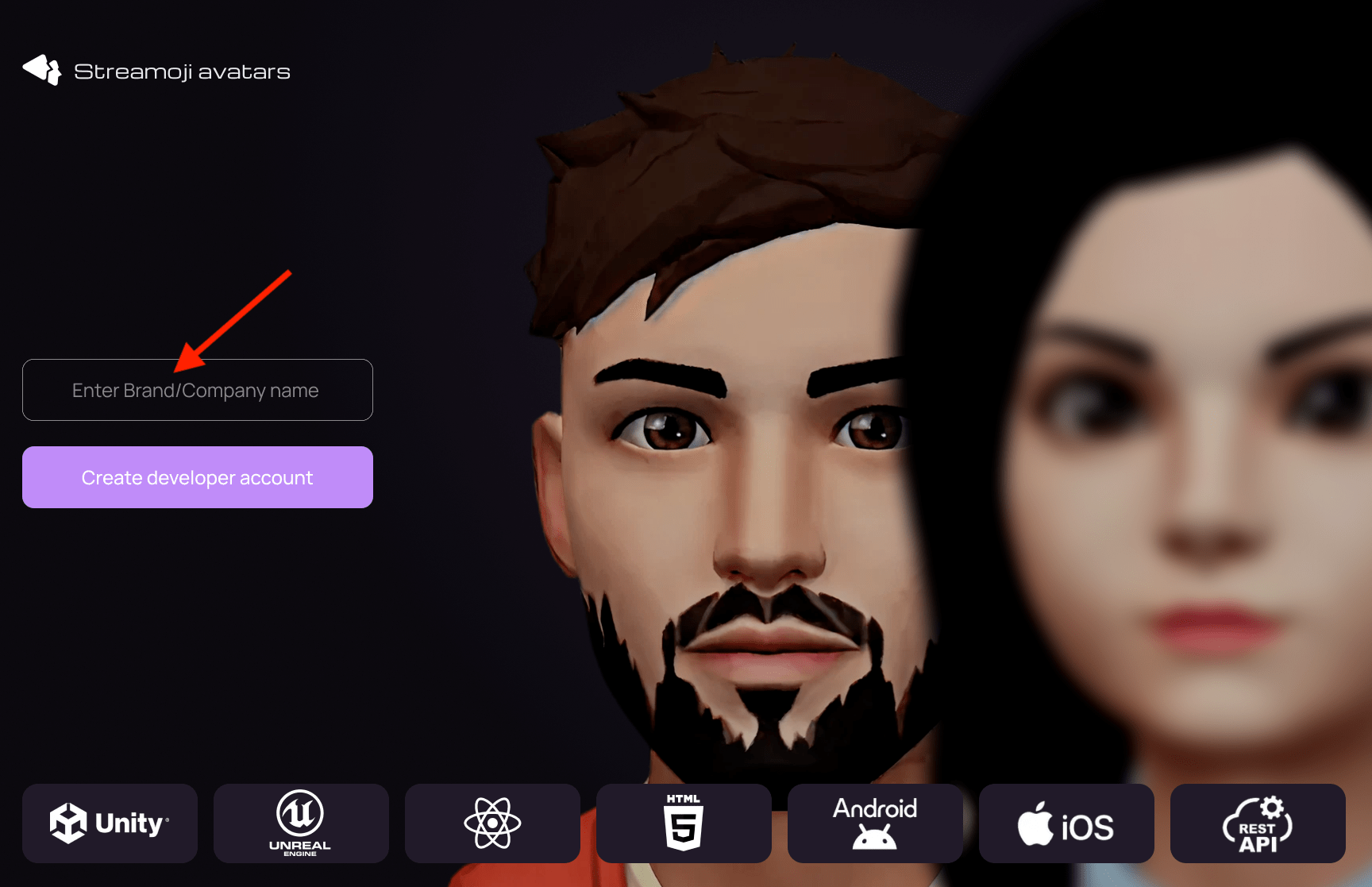
Sign in or register
The Developer Console is where you manage your Streamoji integration and monitor your usage.
- To access the Developer Console, go to the Developer Dashboard.
- Sign up or login with your account credentials.
- Once logged in, you will land on the **Dashboard** overview. Here you can see your **Streamoji Credits**, your current **Studio Plan**, and recent activity.
Managing API Keys
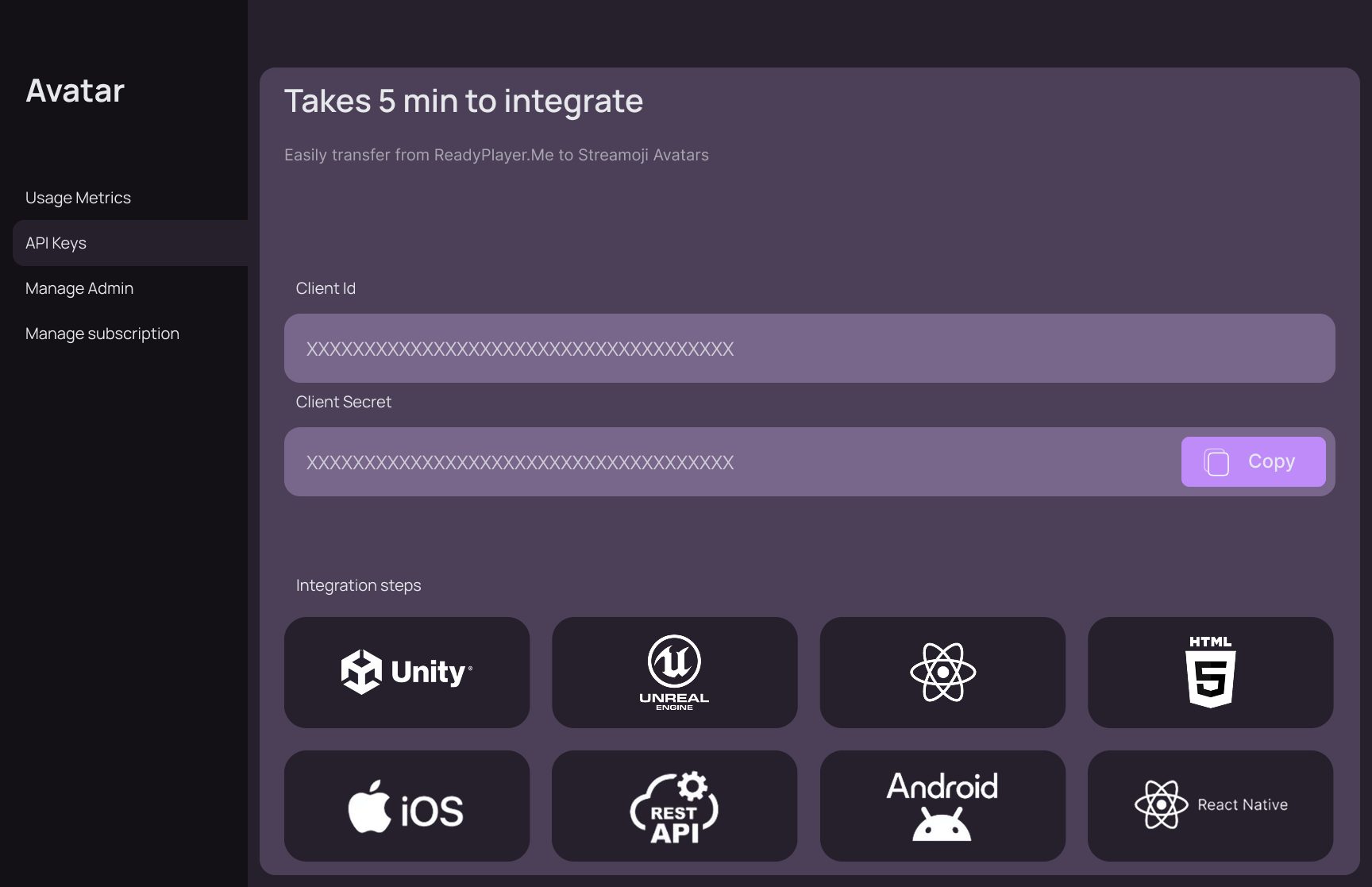
To integrate Streamoji into your own website or application, you'll need your unique API credentials.
- Navigate to the API Keys section in the sidebar.
- Here you will find your Client-Id and Client-Secret.
- Use these keys in your integration code (as seen in the Web and React Quickstart guides) to authenticate your requests.
💡 Pro Tip: You can also monitor your usage and billing in the Usage Metrics section to keep track of your Streamoji Credits. See Credits Consumption for more details.